Apple’s first smart display went on sale on November 13, and within days some owners started reporting the same handful of glitches: Siri on the Apple HomeView refusing to set timers, saying it’s “downloading Siri,” or answering on a nearby iPhone instead. The good news is that the most common timer error appears to clear when you restart your paired iPhone, and Apple has confirmed a HomeView software update is coming in December. If you’re still on the fence, Apple’s holiday return policy gives you until January 8, 2027 to decide whether to keep it.
Here’s what HomeView owners are running into, the fixes that have worked for some of them, and how to decide whether it belongs in your kitchen.
What Is Apple HomeView?
HomeView is a 7-inch smart display and Apple Home hub that costs $299 in the U.S. for either the tabletop or wall-mounted model, according to Apple’s launch announcement. It went on sale November 13 in the U.S., Canada, the UK, Australia, New Zealand, Singapore and India. It isn’t sold in the European Union because Siri AI isn’t available in iOS there yet.
The device recognizes up to six people by face and shows each person their own Messages, Calendar, Reminders and FaceTime calls. It also runs Siri AI, Apple’s new, more conversational version of Siri. Apple’s own footnotes note that Siri AI is “available in beta” on HomeView, and that personal requests need a paired, Apple Intelligence-enabled iPhone or iPad. That dependence on your phone is behind many of the early complaints.
The Most Common HomeView Problems So Far
MacRumors reported on November 16 that several forum threads describe the same issues. The longest one has passed 100 posts. These are the most common reports:
1. Siri won’t set timers or alarms
Some owners say HomeView refuses to set a timer and claims a software update is required, even though the device says it’s up to date. For a kitchen gadget, that’s a big problem.
2. “Downloading Siri” and very slow answers
Other owners describe Siri taking minutes to respond or repeatedly saying it’s “downloading Siri.” In his hands-on review for iPhone in Canada, Gary Ng said he got a “Downloading support for Siri” message when his iPhone was switched off or in Airplane Mode with Wi-Fi off. He also had to wait about 15 minutes for a required software update before setup could even start.
3. Siri answers on your iPhone instead
Some owners say music requests fail or play on their iPhone instead of HomeView, even when HomeView’s screen shows Siri listening. Ng also saw “Hey Siri” wake his iPhone instead of the display, and got a message that HomeView was “having problems reaching your personal device” while the phone sat right next to it.
4. Commands go to the wrong room
Owners with more than one HomeView told MacRumors that a command meant for one room sometimes plays in another.
5. Siri won’t unlock doors or the garage
In early reviews, Siri AI once said it didn’t have a camera and refused to unlock a front door or open a garage, even after HomeView had recognized the user. Apple told reviewer Joanna Stern that the December update will let Siri AI control locks and garage doors for recognized users. Until then, you can unlock them from the on-screen controls in HomeView’s Home app.
Not everyone has these problems. MacRumors notes that several owners say their units work fine, and The Verge’s review called HomeView “a gorgeous, speedy smart home hub and a great kitchen companion,” while also saying Siri AI “can be slow” and “regularly errors out.”
Fixes to Try Now
None of these are official Apple fixes, but they’re the steps owners and support staff have reported success with, from simplest to most drastic:
- Cold-restart your paired iPhone. One owner told MacRumors that an AppleCare senior advisor said other people had the same timer problem and that a full restart of the paired iPhone cleared it. Fully power the phone off, then turn it back on.
- Restart HomeView, then the iPhone. Several owners said their problems went away after rebooting the HomeView, their iPhone or both.
- Keep your iPhone on the same Wi-Fi network and unlocked recently. Apple says personal content shows up only when your paired iPhone or iPad is present and was recently unlocked. If your phone is on cellular data, in Airplane Mode or switched off, personal requests can fail.
- Update everything. Make sure both HomeView and your iPhone are on the latest software. Apple says Siri AI on HomeView needs HomeView software 27.2.
- Put your phone face down nearby. In The Verge’s testing, Siri answered from the right device as long as the reviewer remembered to put her phone face down when it was close by.
- Use the screen for locks and garages. Until the December update, tap the on-screen Home controls to unlock doors instead of asking Siri.
- Reset HomeView as a last resort. If nothing else works, a full reset and fresh setup has helped some owners. Apple Support can walk you through it.
A Privacy Issue Families Should Know About
The Verge’s reviewer found that it was too easy to see another family member’s personal content. In her tests, she could sometimes scroll through her teenage daughter’s text messages right after her daughter used the device, or while her daughter was still in view of the camera across the room. If you share HomeView with older kids or roommates, swipe back to a clock or photo face before you walk away. Also think twice before putting it somewhere guests gather.
If you’re setting up other connected gear at the same time, our guide to smart security systems covers cameras, locks and how to keep accounts secure.
Should You Keep It or Return It?
Apple’s U.S. holiday return policy says eligible products from the Apple Store Online that you receive between November 6 and December 25, 2026 can be returned through January 8, 2027. The standard window is 14 calendar days. If you bought HomeView from another retailer, its return rules apply instead. That gives most early buyers time to see whether the December update fixes things before deciding.
HomeView is probably worth keeping if:
- Your home already runs on Apple Home or Matter devices. HomeView works as a Thread and Matter hub, and The Verge found it “impressively fast” at controlling lights, locks and thermostats.
- You want a kitchen display for recipes, timers (once they work), music and video doorbell feeds.
- Everyone in your household uses an iPhone or iPad.
Consider returning it if:
- You rely on Ring, Nest or other devices that don’t work with Apple Home. The Verge notes they don’t work natively with HomeView.
- You expected a voice assistant that works without your phone nearby.
- Shared access to text messages is a deal-breaker in your home.
Also budget for extras on the wall-mounted model. Apple sells it without a mount: the Schneider Home USB-C wall connector starts at $59.95 and the AC wired mount at $79.95, with a power-over-Ethernet mount due in early 2027 for $129.95. Still weighing whether connected gadgets pay off? See our take on whether smart appliances are worth it and our roundup of smart home upgrades for a modern house.
FAQ
Why won’t my HomeView set a timer?
Some owners see an error saying HomeView needs a software update even when it’s current. Restarting the paired iPhone, then HomeView, has cleared it for several people, according to MacRumors forum reports.
When is the HomeView software update coming?
Apple has said an update is coming in December 2026. It’s confirmed to let Siri AI unlock doors and garages for recognized users. It isn’t yet clear whether it will also fix the timer and music problems.
Does HomeView work without an iPhone?
Setup and multiuser support need a compatible iPhone or iPad. Guests can use smart home controls, timers, weather, music and general Siri questions, but personal features depend on a paired device being nearby.
How long do I have to return HomeView?
If you bought it from Apple and received it between November 6 and December 25, 2026, you can return it through January 8, 2027 under Apple’s holiday return policy.
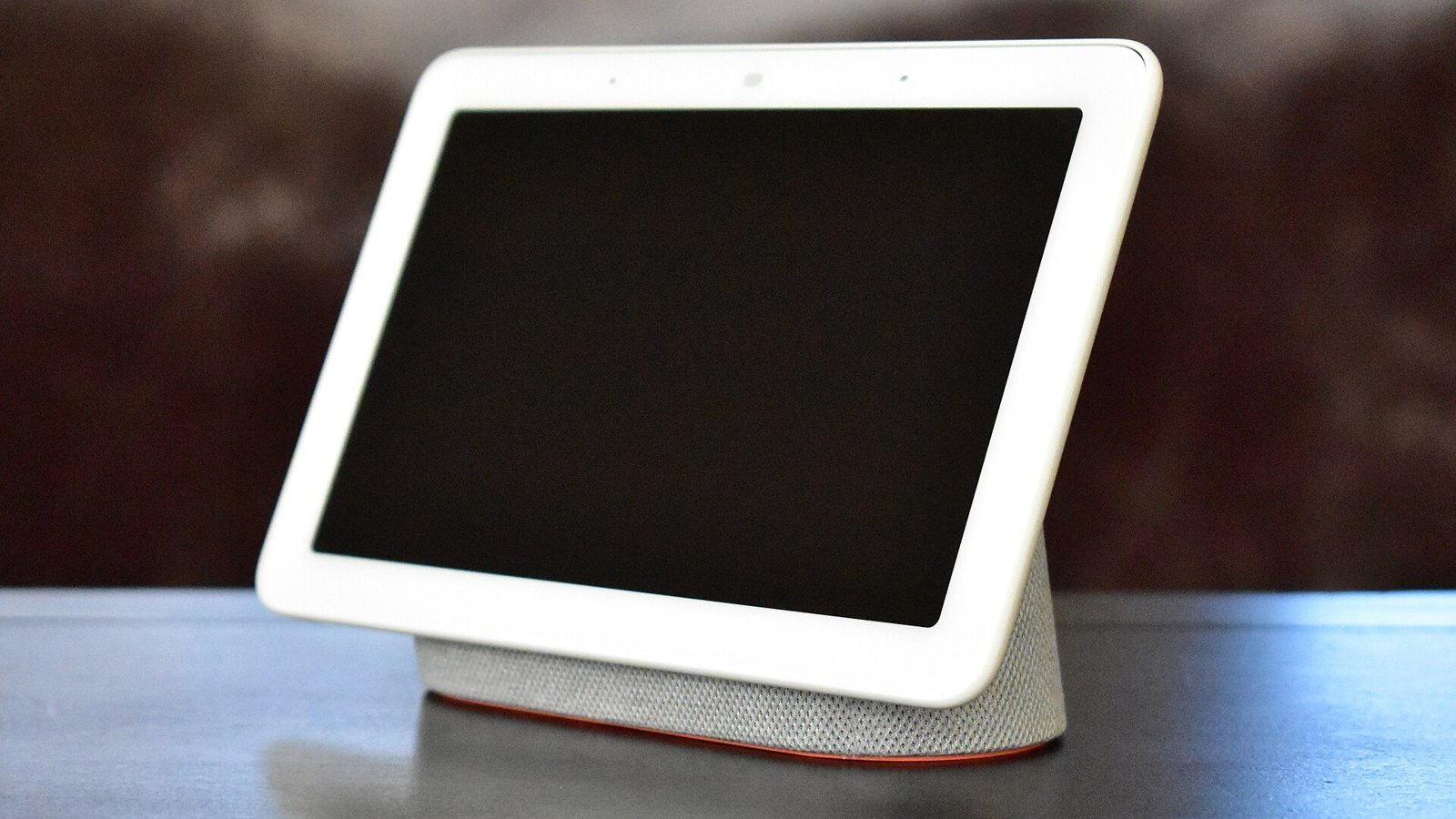
Featured image: “Google Home Hub on table” by Y2kcrazyjoker4, via Wikimedia Commons, licensed under CC BY-SA 4.0. Cropped. Shown for illustration; not an Apple HomeView.